Music Split Sheets .
Start with organized data. End with a completed document. This toolkit connects a spreadsheet to a document/agreement, automatically filling in the details so you don't have to.
Here, it's applied to music publishing: helping artists, labels, and publishers track song splits and generate ready-to-sign agreements without handing their data to a third party.
This is the available toolkit. It includes Google Sheets & agreement templates, a Google Apps Script, and instructions to get started.
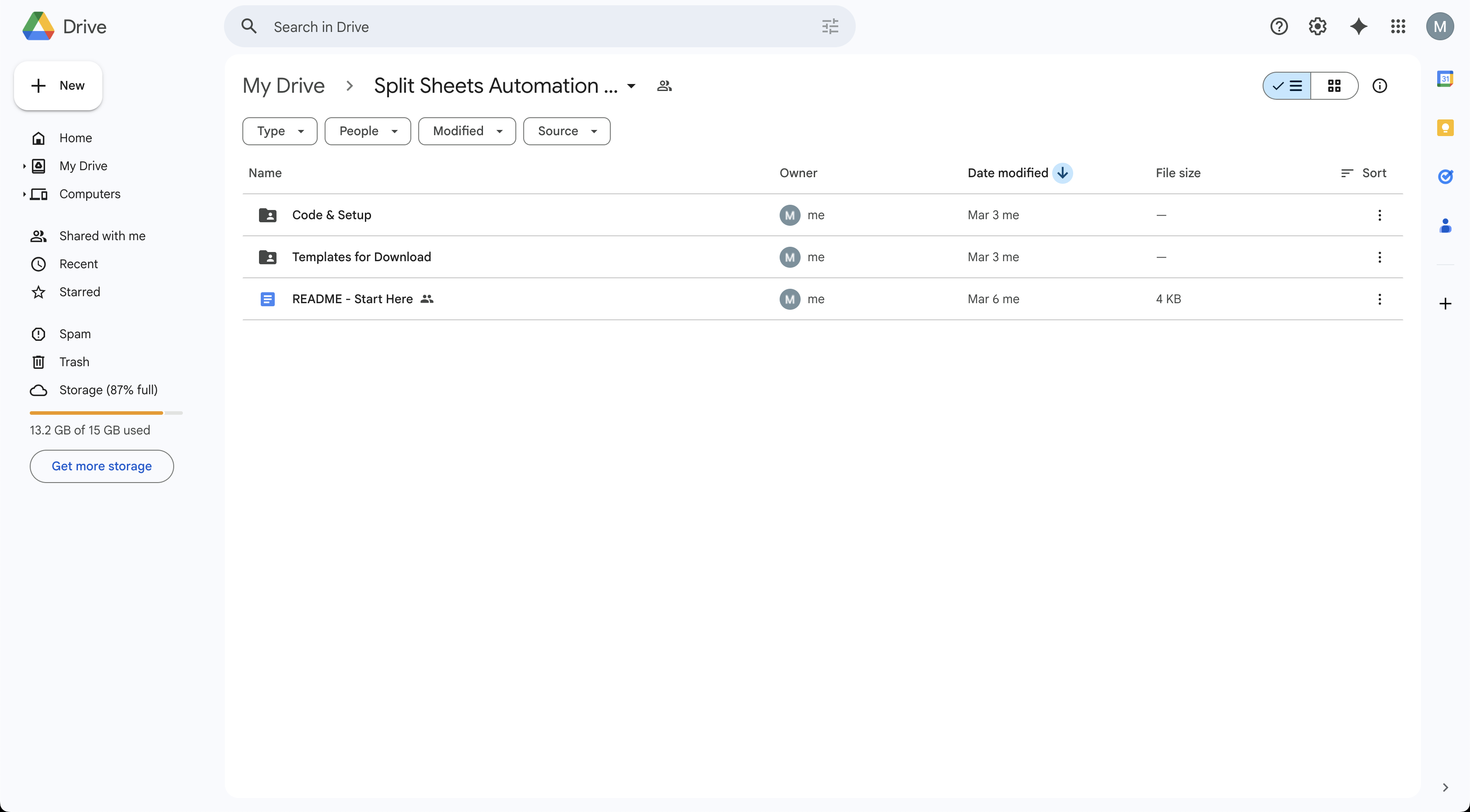
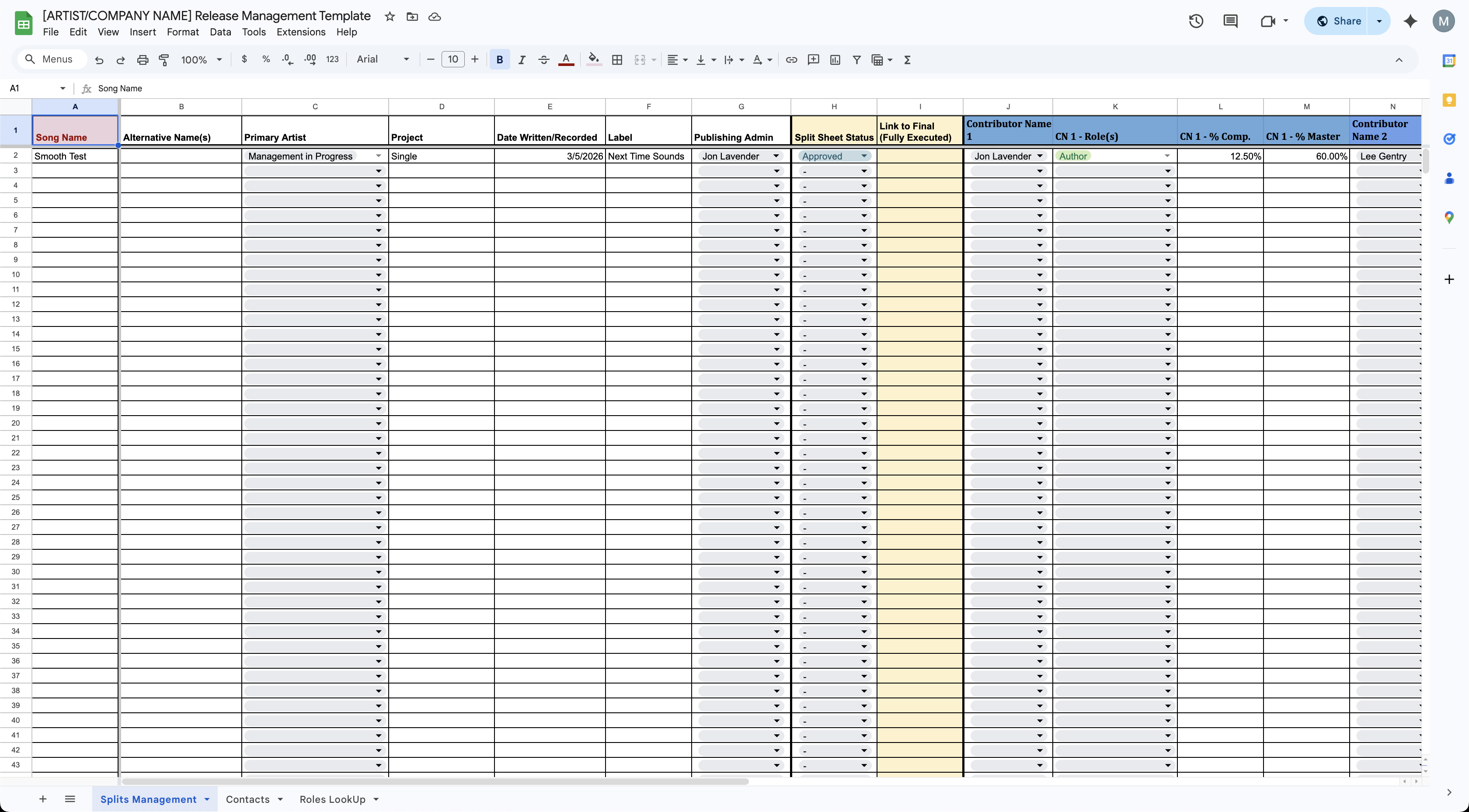
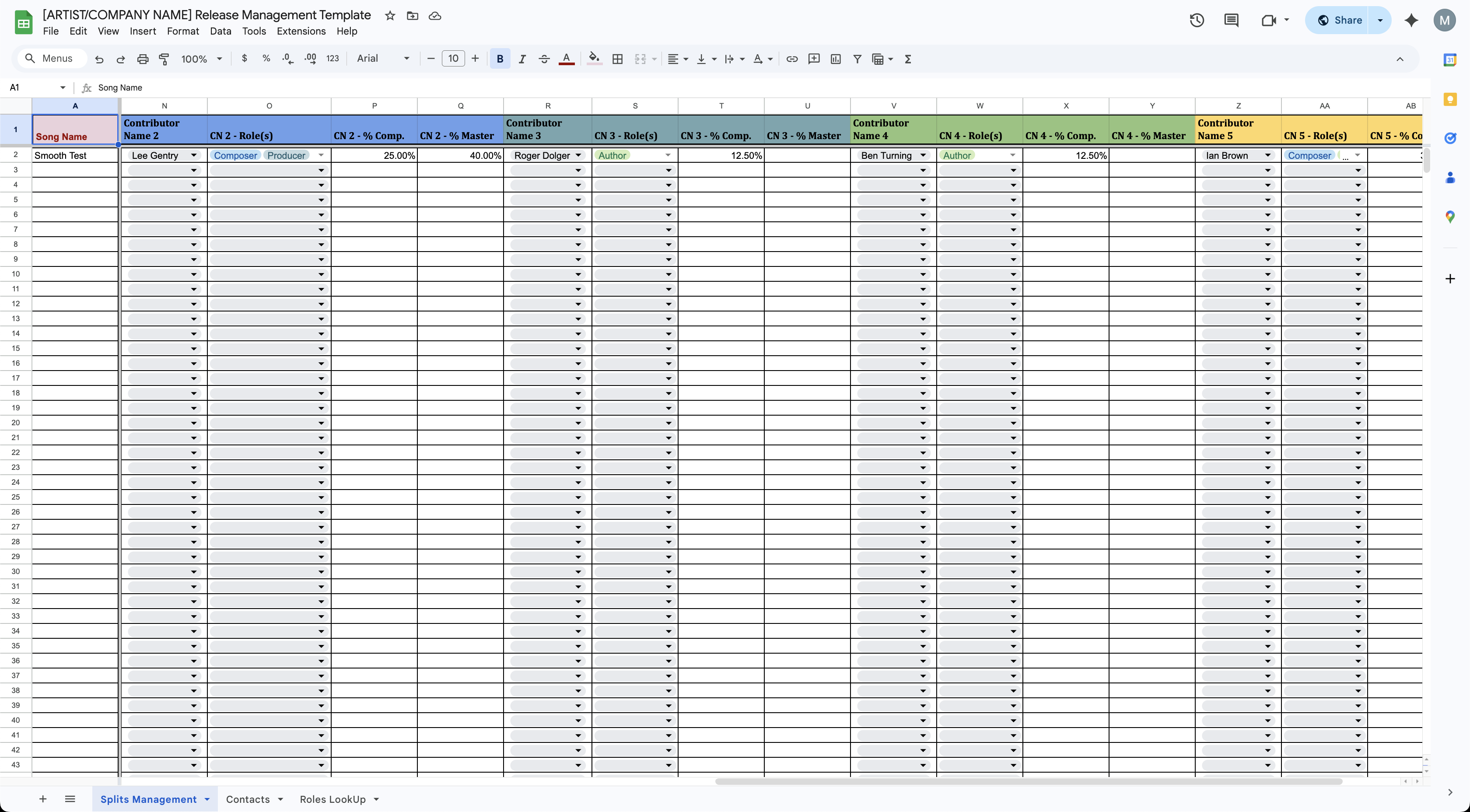
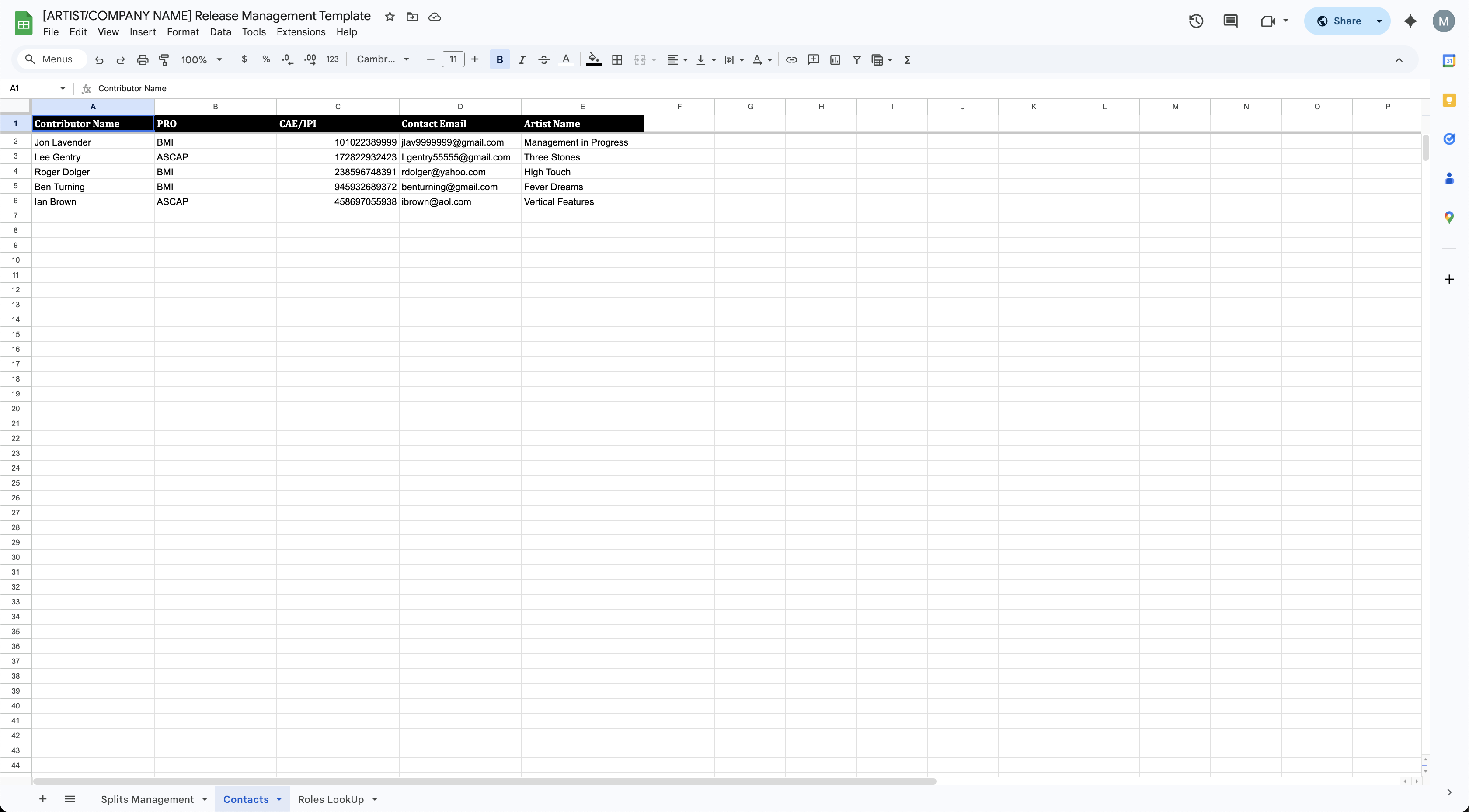
Snapshots of the Google Sheets Template. The document is already filled out with test data on the "Splits Management" and "Contacts" tabs. Setting "Split Sheet Status" to "Approved" will enable the Google App Script to generate an agreement.
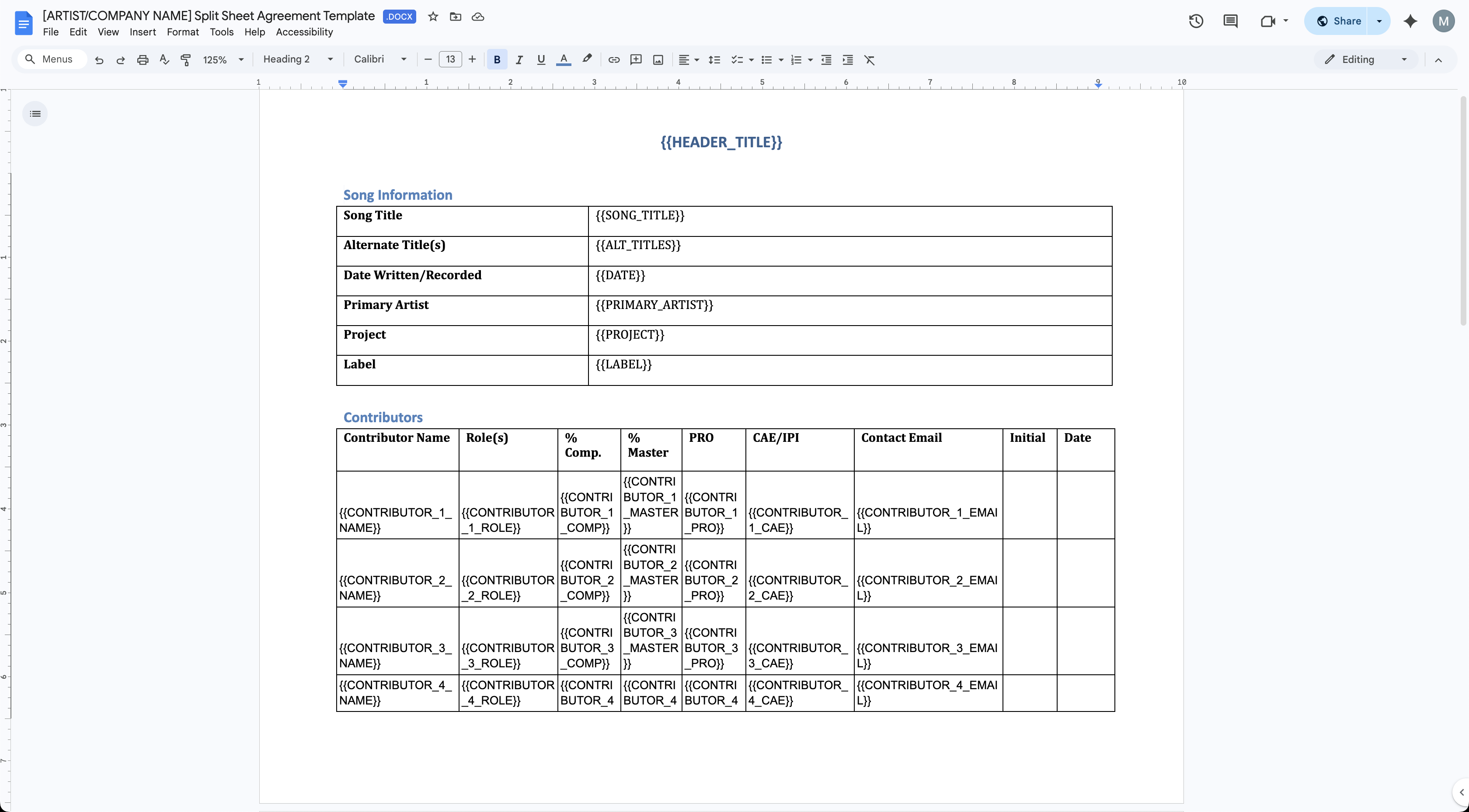
This is a snapshot of the Agreement Template doc. The fields are populated with data that enables the Google App Script to function properly.
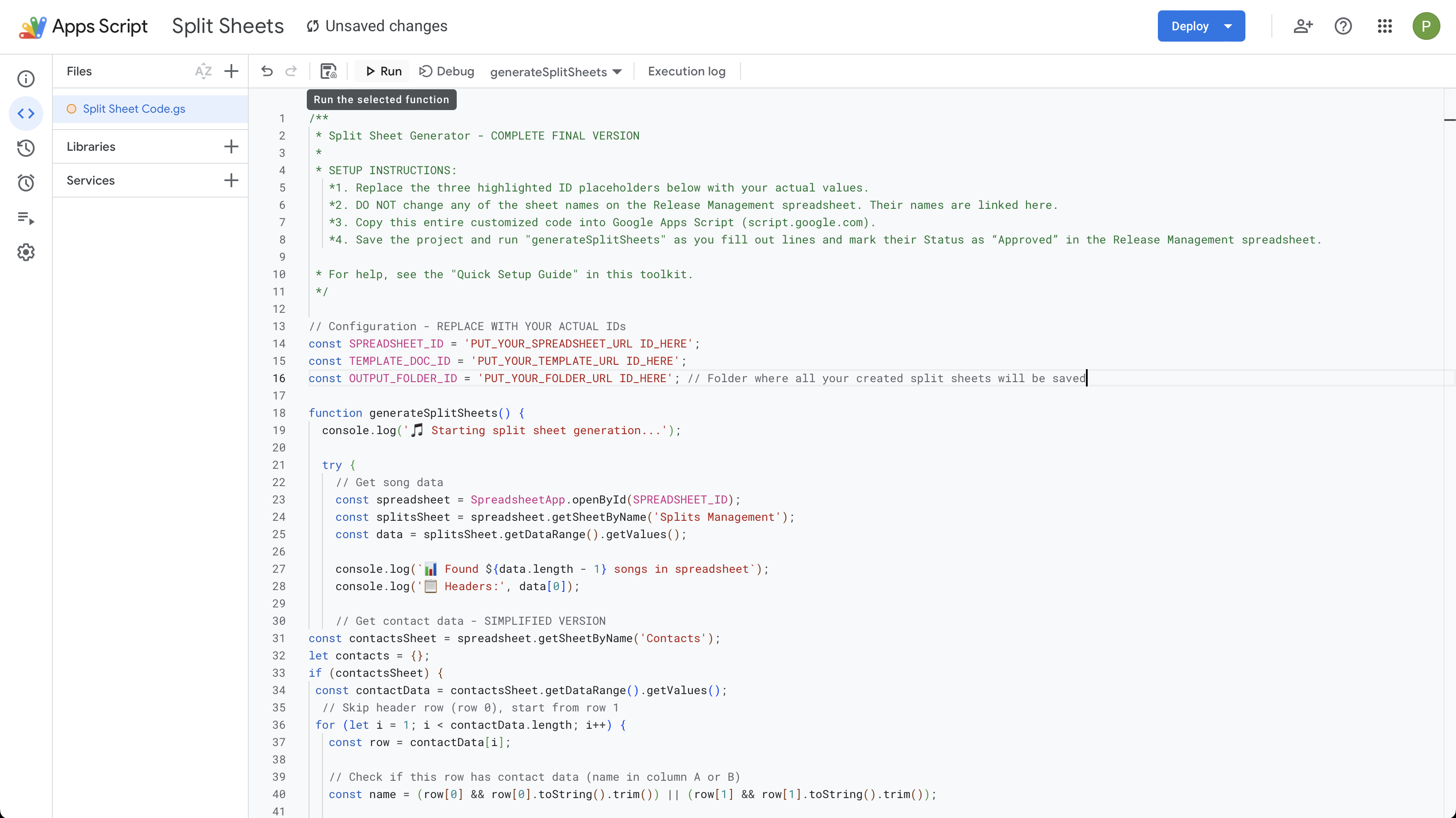
Here is the Google App Script. It connects the Google Sheets to the agreement template. Click "Run" to generate an agreement. As stated above: first, ensure the "Split Sheet Status" is set to "Approved" in the Google Sheets.
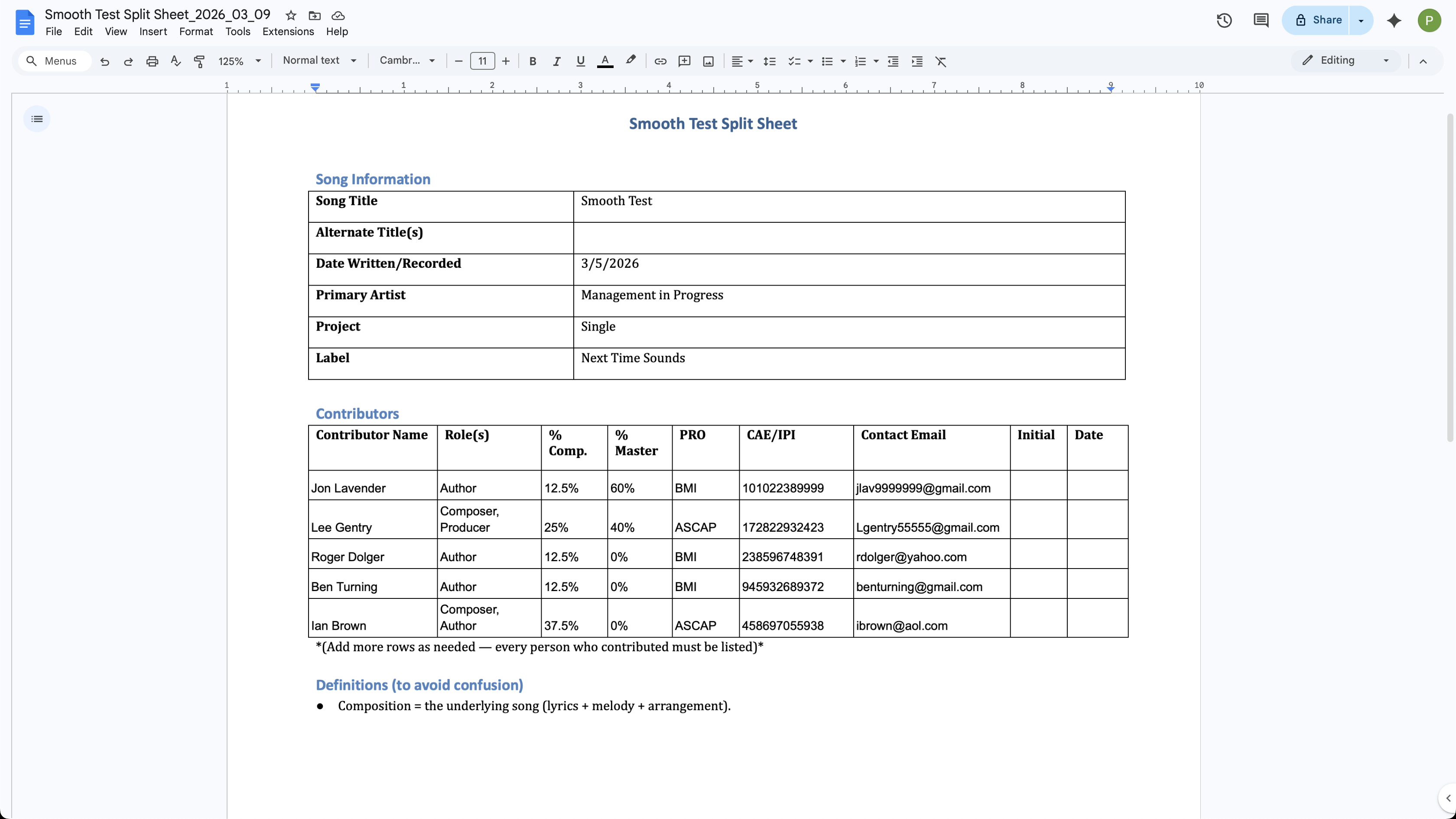
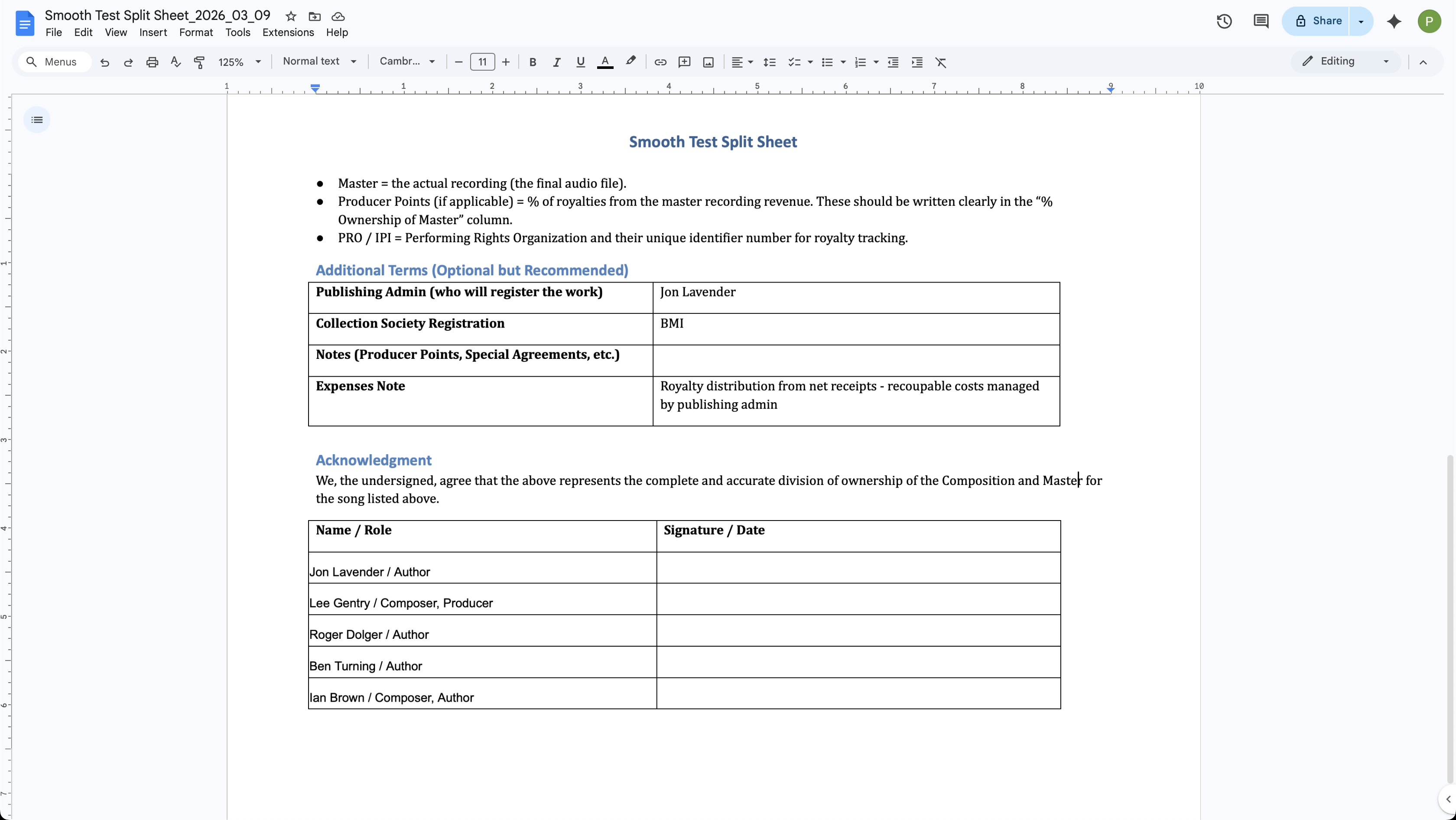
The final output of the Google App Script. The agreement is ready to be signed.
If you like what you see, request access to the Music Split Sheets toolkit and start using the tools today.
Request Access