Bill Splitter .
A quick and easy tool for splitting bills among groups. Snap and upload a pic of a receipt, share to your group and let everyone at the table assign items real-time. The app calculates individual shares, handles tips/tax, and keeps things fair. No sign-up required when sharing bills.
Upload a receipt photo/image for processing with OCR (optical character recognition). The app will automatically extract the text from the image.
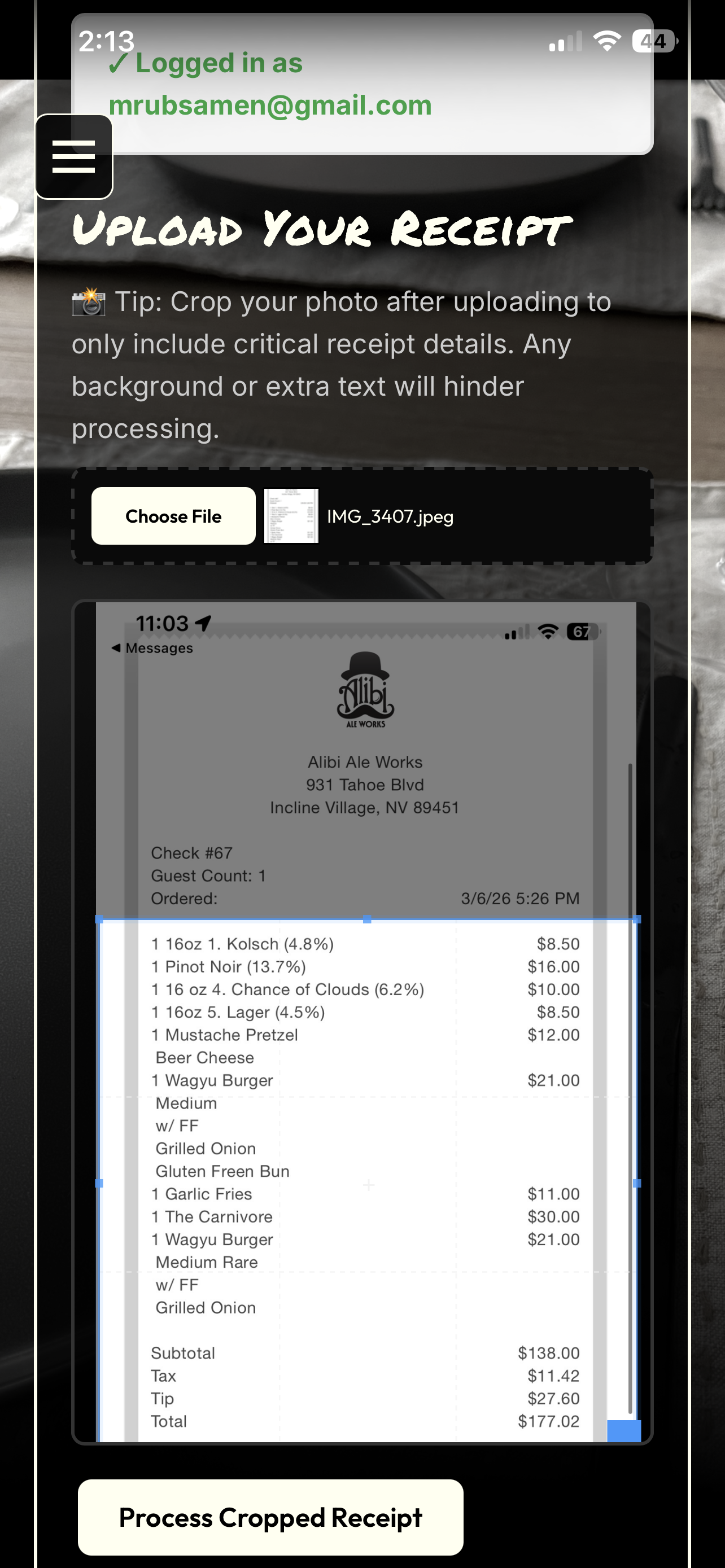
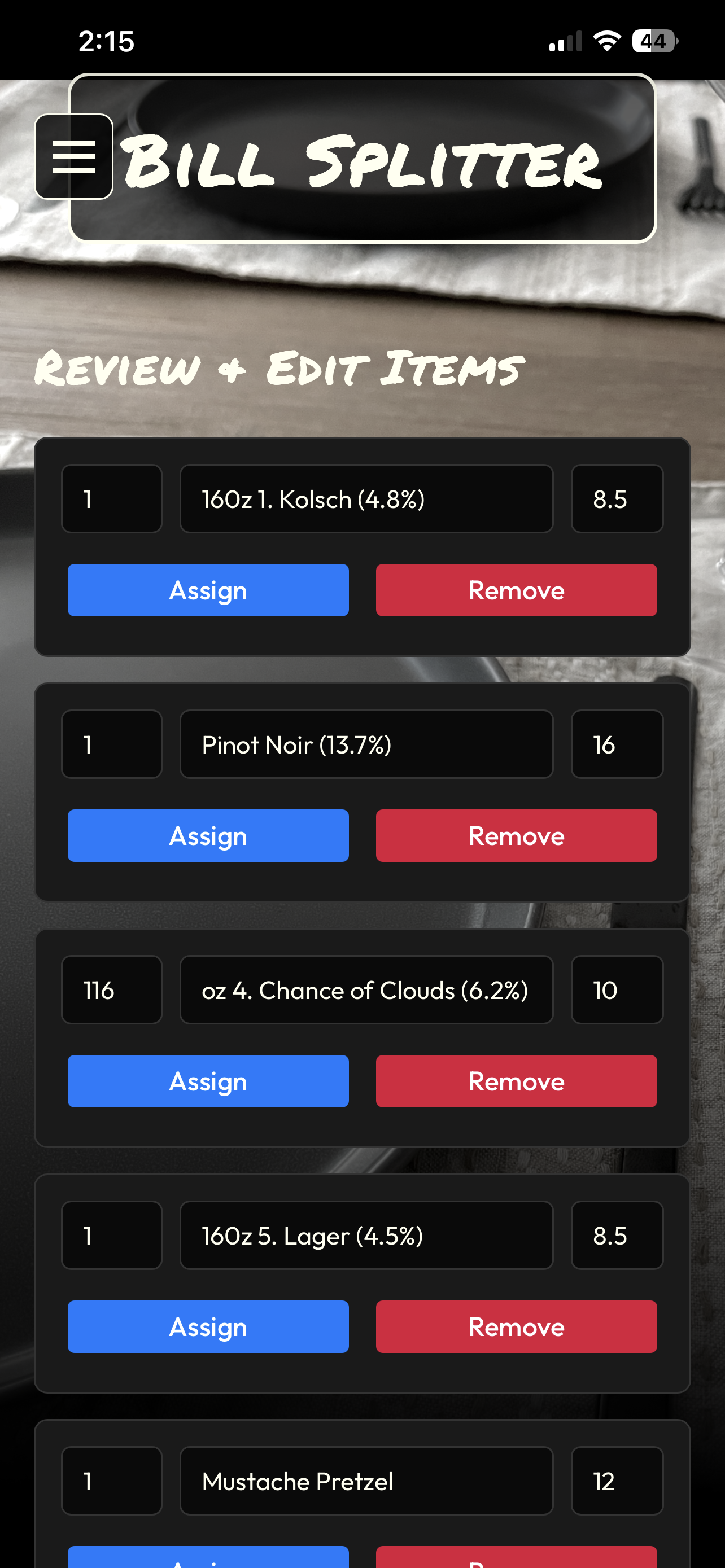
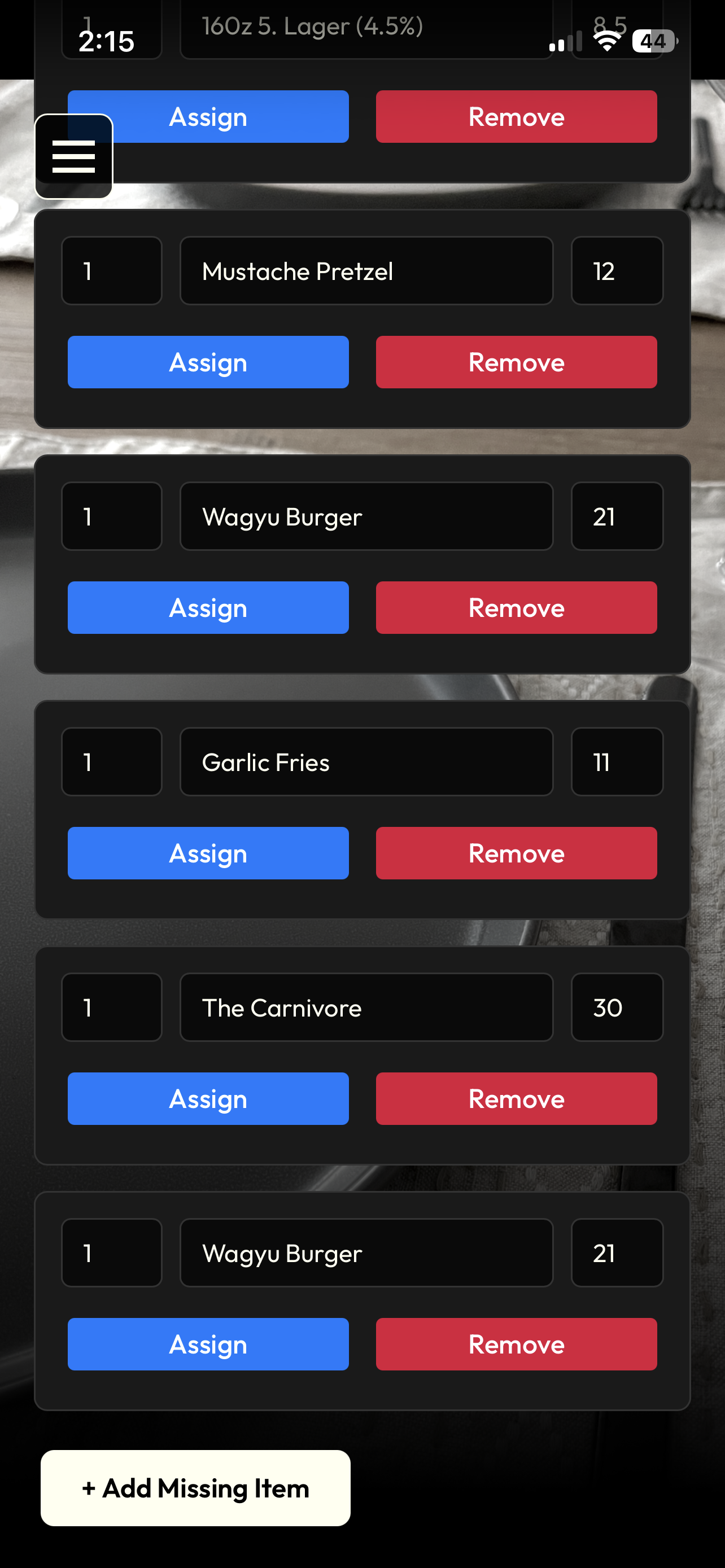
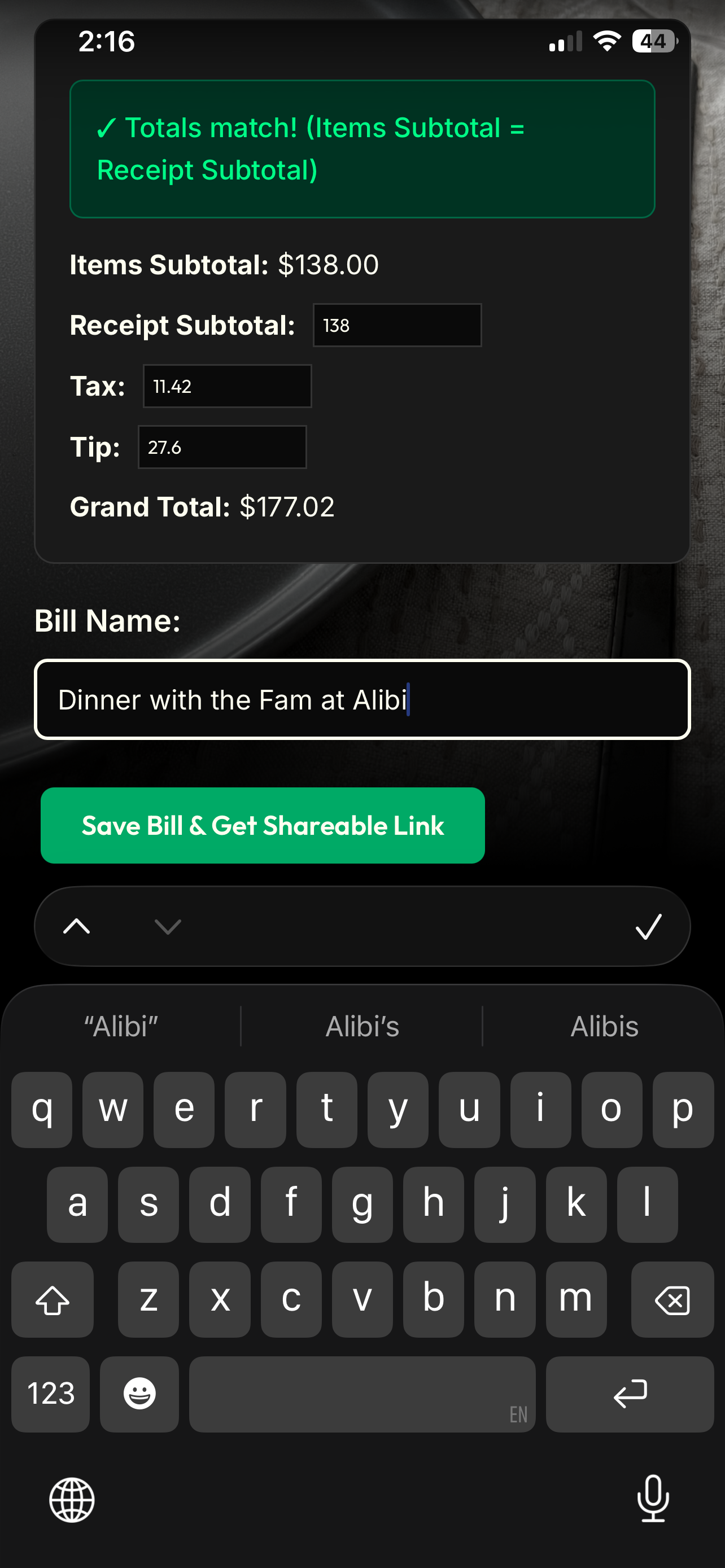
Uploaded receipts will display with the extracted text, and allow you to edit all the data fields for accuracy. Add missing items, edit names & quantities, correct prices and verify subtotals match. Once you are satisfied with the data, name and share the receipt with your group.
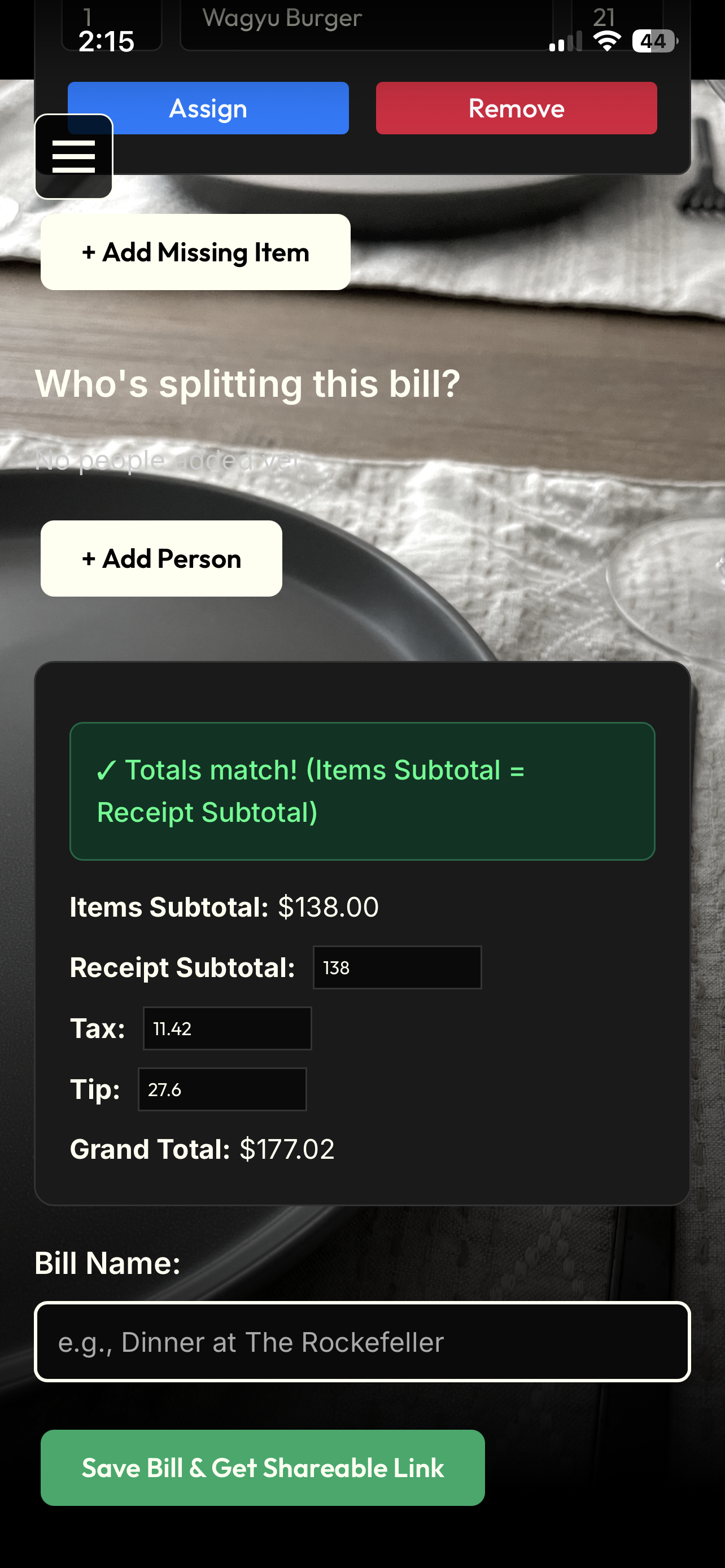
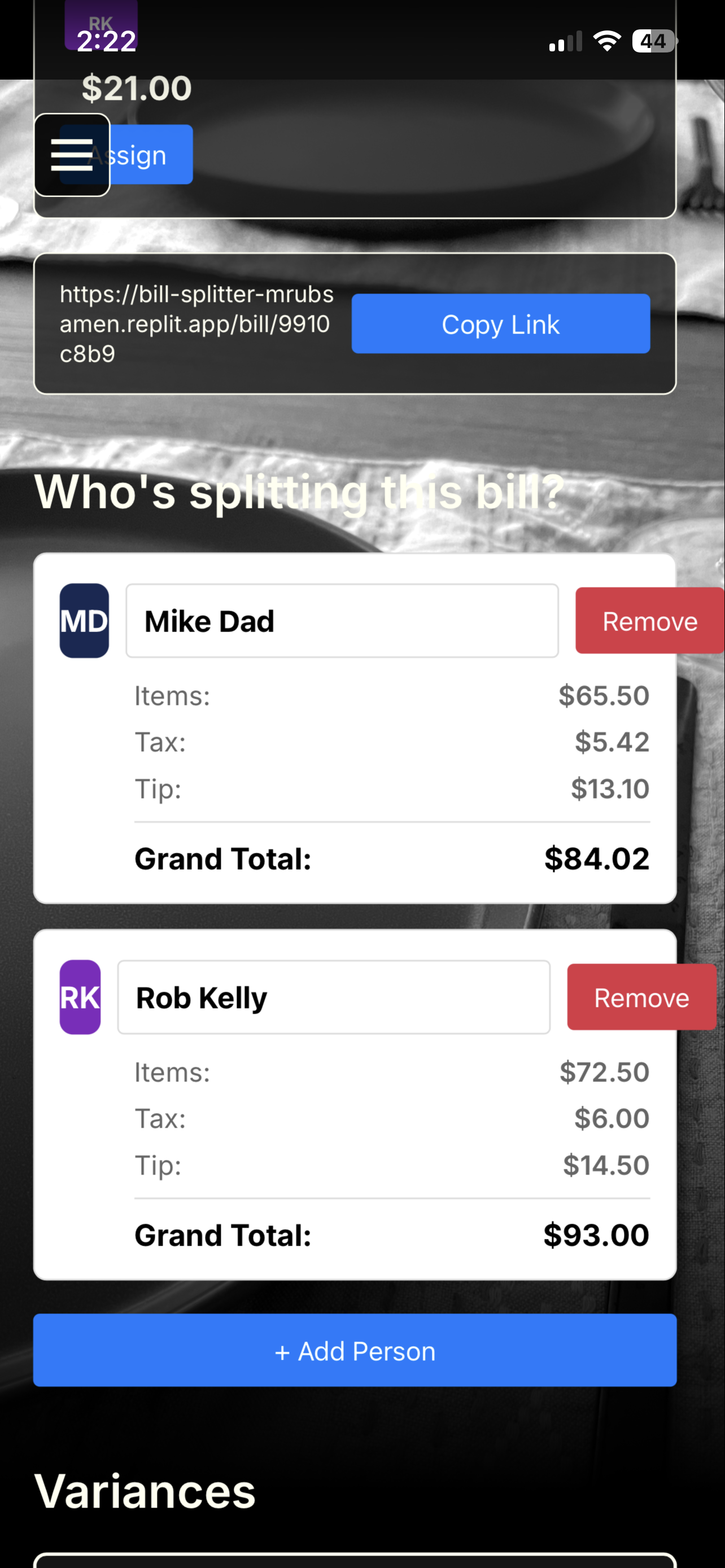
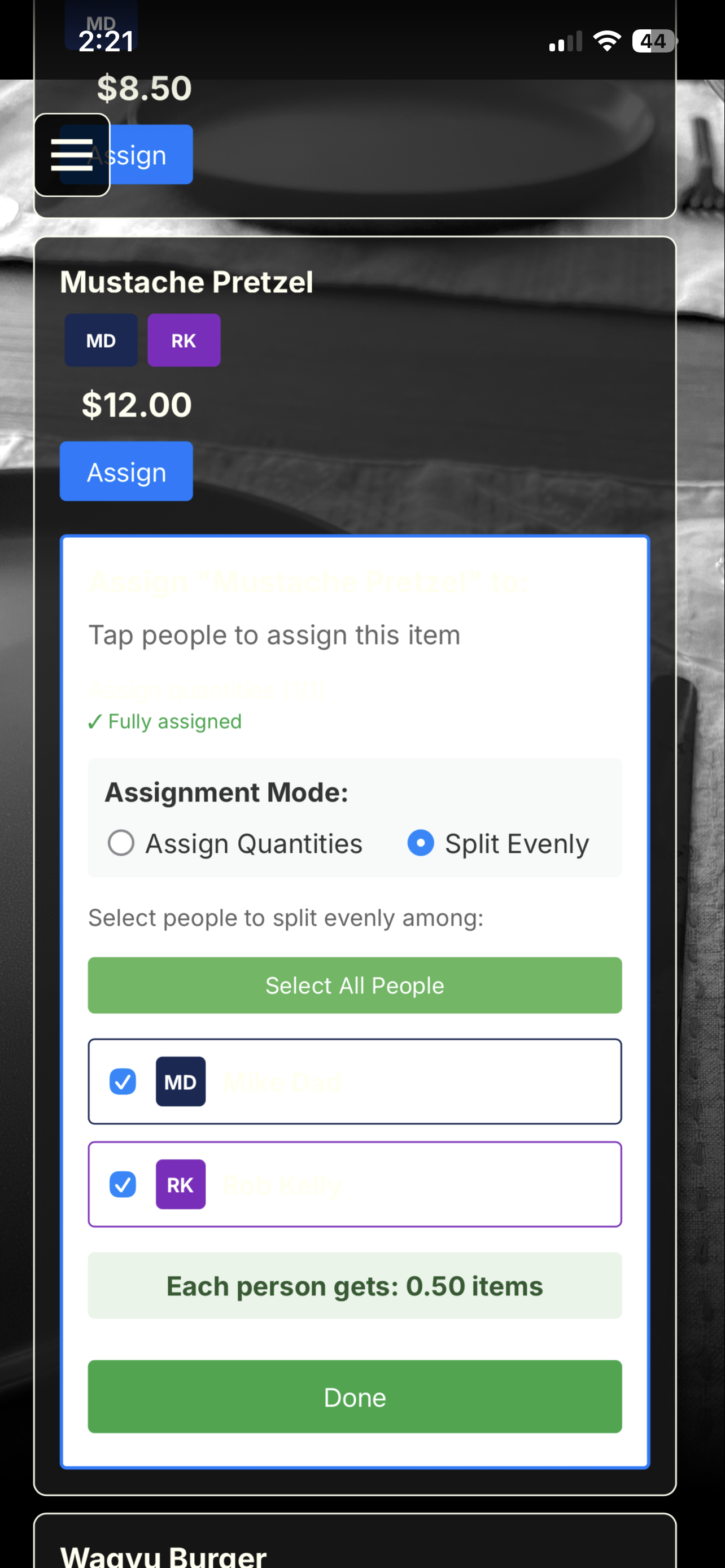
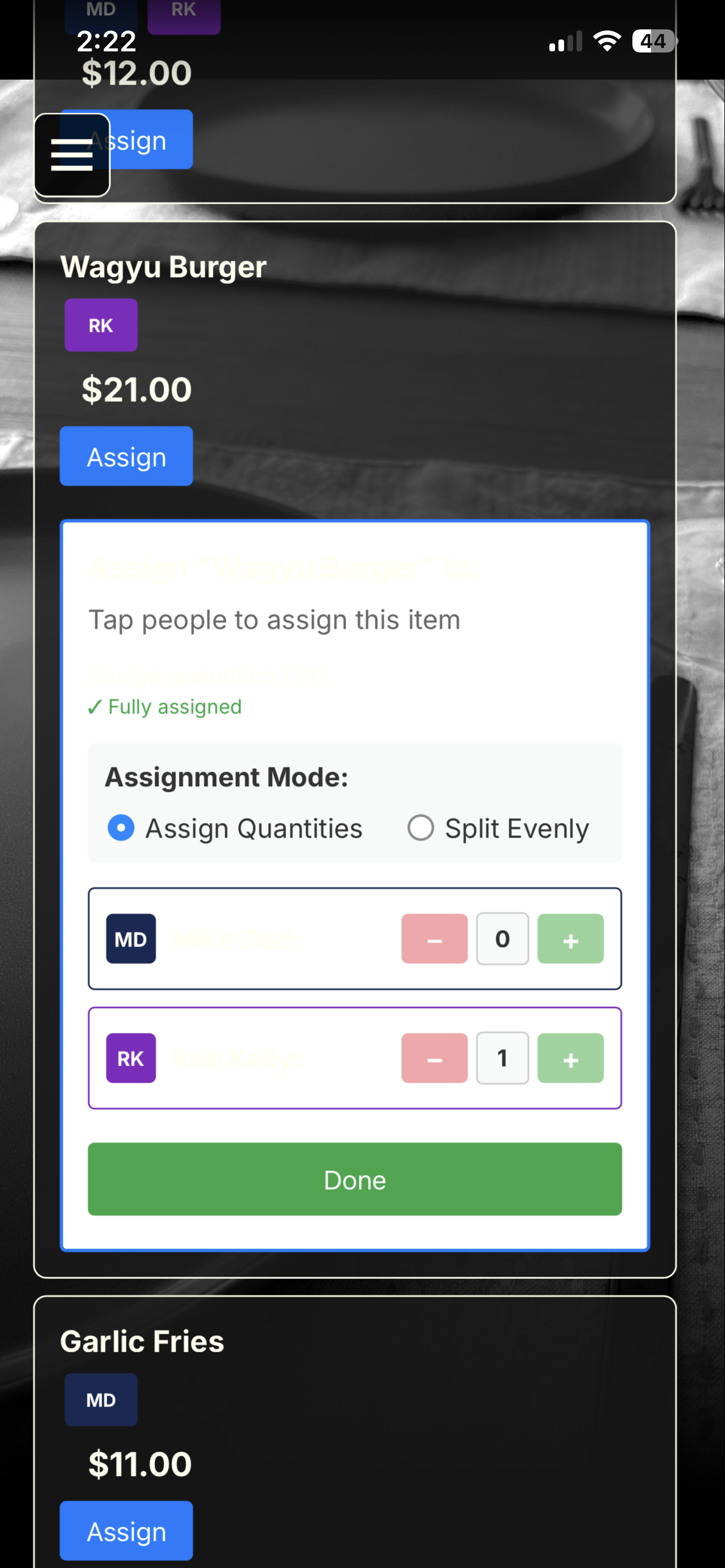
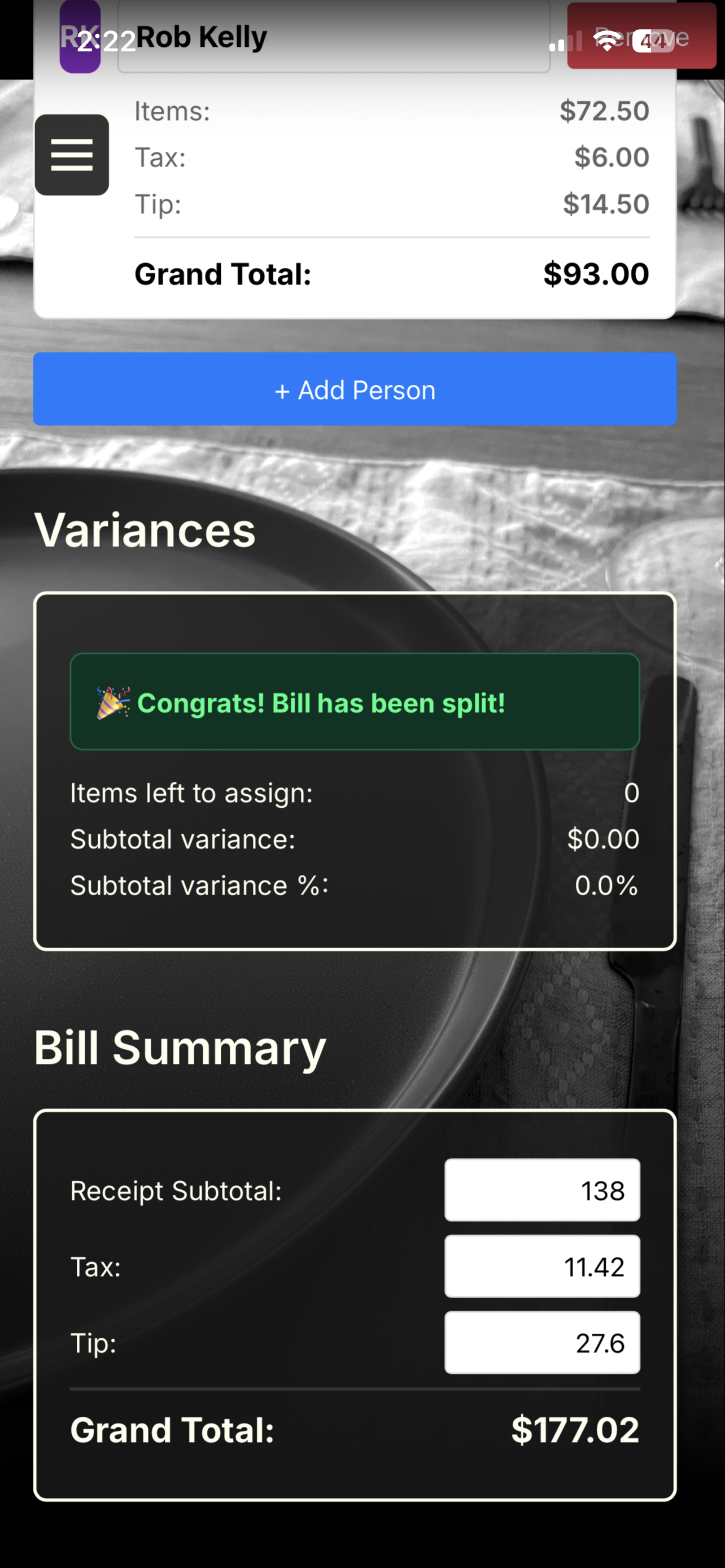
Once the receipt is shared, each person in the group can add their name (or sub-group name, e.g., couple name) and assign items to themselves or others. Assign by quantity or split evenly features ensure all scenarios are covered. The app will calculate the total for each person and display the results next to their name. Tax and tip are allocated based on the % of the spend for each person. Check the Variances section to ensure your bill is fully split. Miss sharing with someone? Grab a link to the receipt from this page.
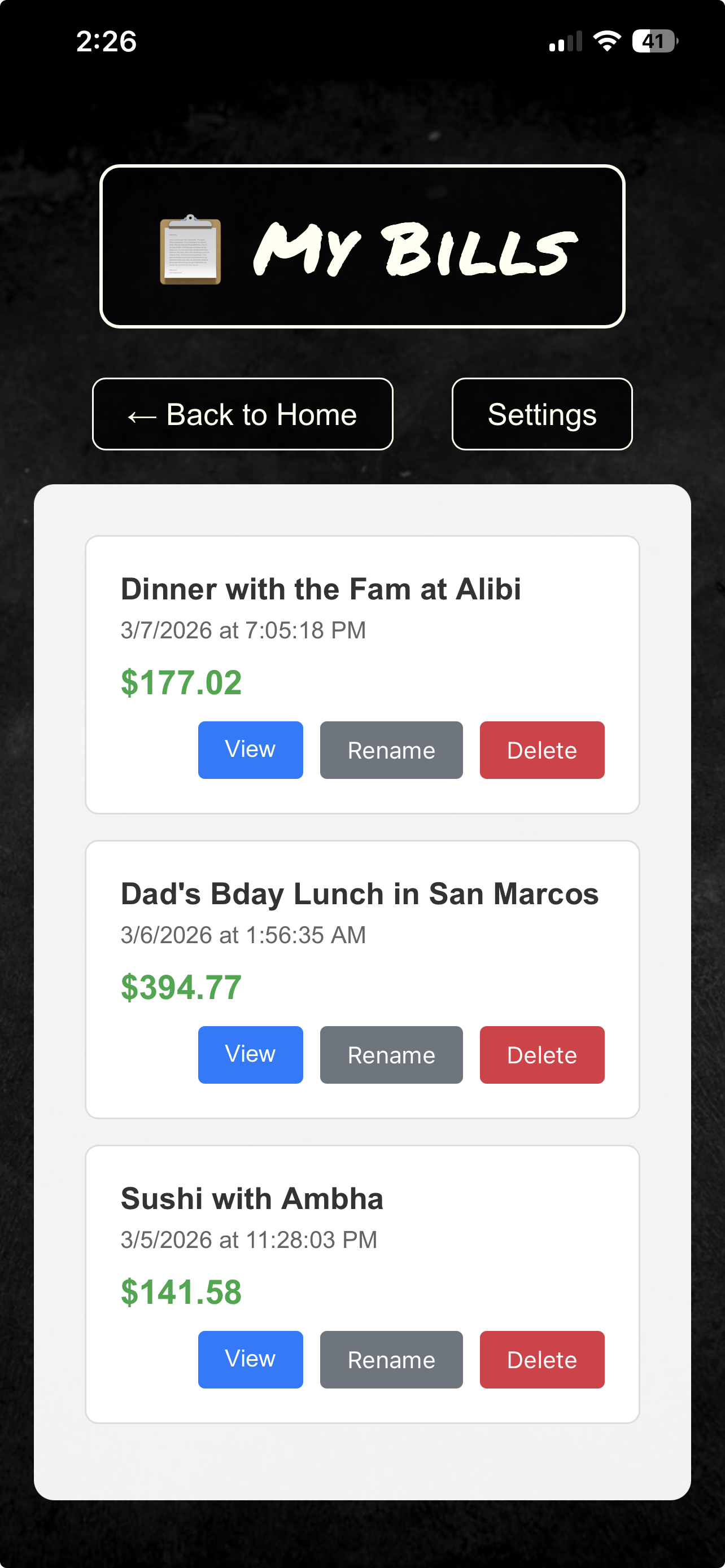
Visit "My Bills" to see all receipts you have saved. You can view, rename and delete receipts from this page. Click "View" to gain full access to the receipt and all its data.
If you like what you see, sign up for Bill Splitter. Note: MusicFeed and Bill Splitter share login credentials — sign up once, get access to both.
Sign Up